From orange negative to finished print
Converts camera-scanned colour and black-and-white film, right in Chrome.
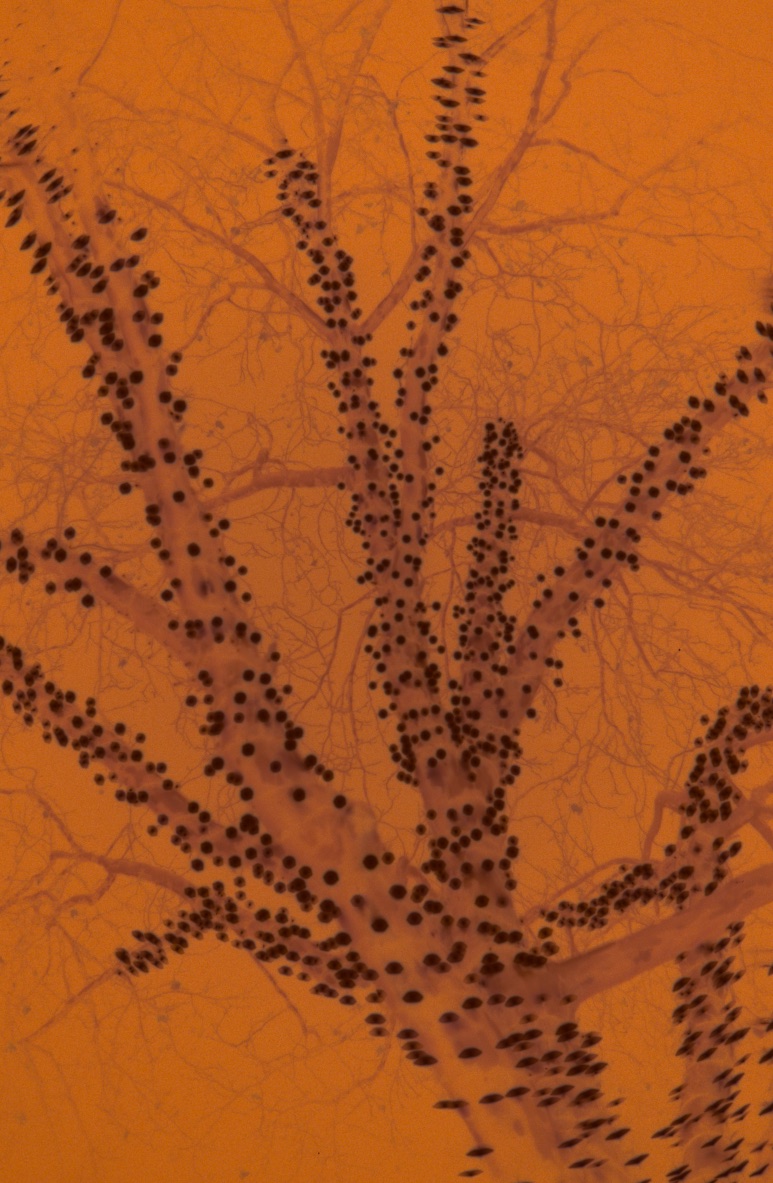
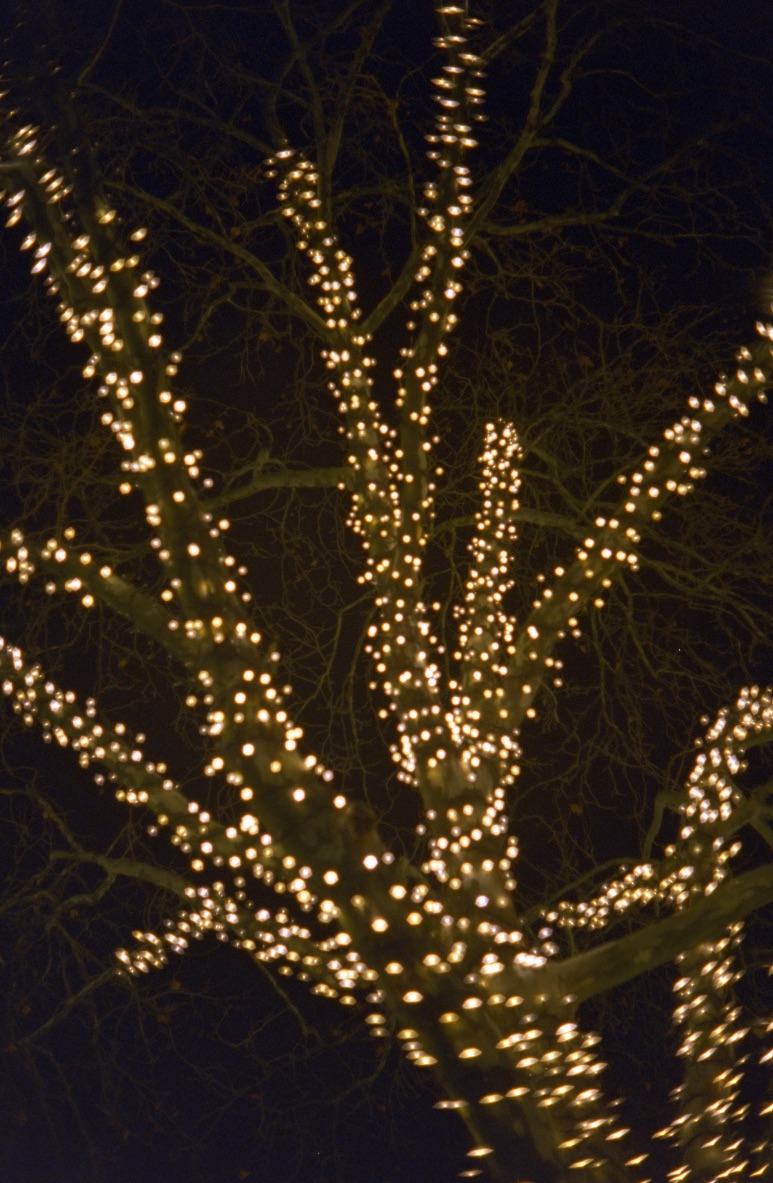
The whole roll, one look
Each frame is balanced against its own film rebate, so the camera’s changing exposure doesn’t matter. Set the roll’s look once, then adjust single images on top of it.
What it does
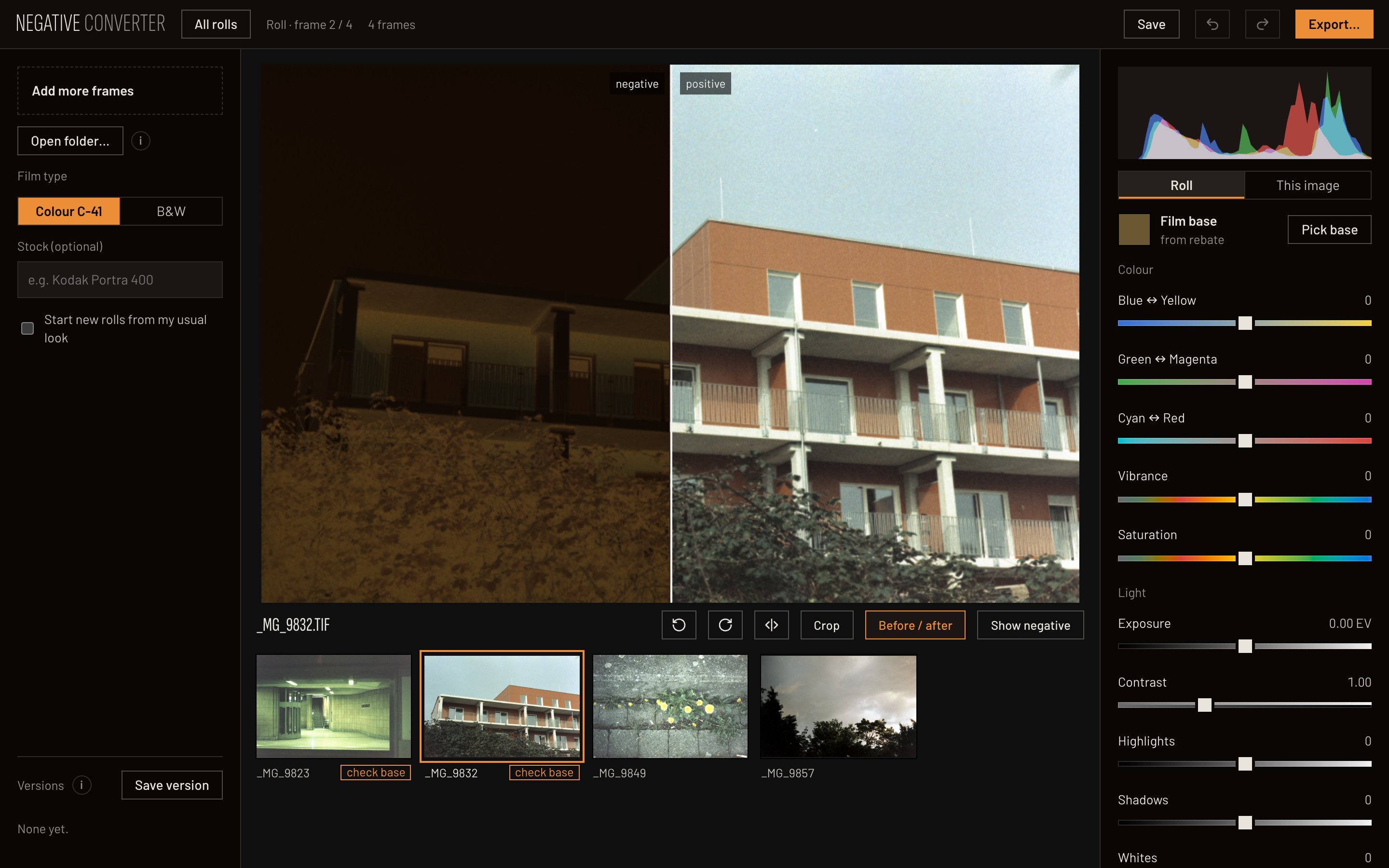
- Reads
- CR3, CR2, DNG, NEF, ARW, RAF, ORF and RW2 RAW files, or TIFF and JPEG scans. Open a whole folder.
- Edits
- Colour, exposure, highlights, shadows, vibrance and colour noise; crop in a fixed format, straighten, before and after.
- Keeps
- Versions of every image and full undo. Settings are saved next to your scans.
- Exports
- JPEG for sharing, or a flat 16-bit ProPhoto TIFF to finish in Camera Raw.
Your scans stay on your computer
Everything runs in the browser on your graphics card. It needs desktop Chrome with WebGPU.
Open the app